StudyTrack for Android
Deep work starts with one tap.
The study timer and focus tracker that shows you exactly where your time goes.
Free on Android, no sign-up. ★ Pro adds the web app and sync.
1tap
to start a session
23
calm focus sounds
18
full-screen clock faces
28
languages
★ StudyTrack Pro · Web app
Your study desk, on every screen.
Open StudyTrack on your laptop at app.getstudytrack.com. Same account, same sessions, one timer that follows you between phone and browser.
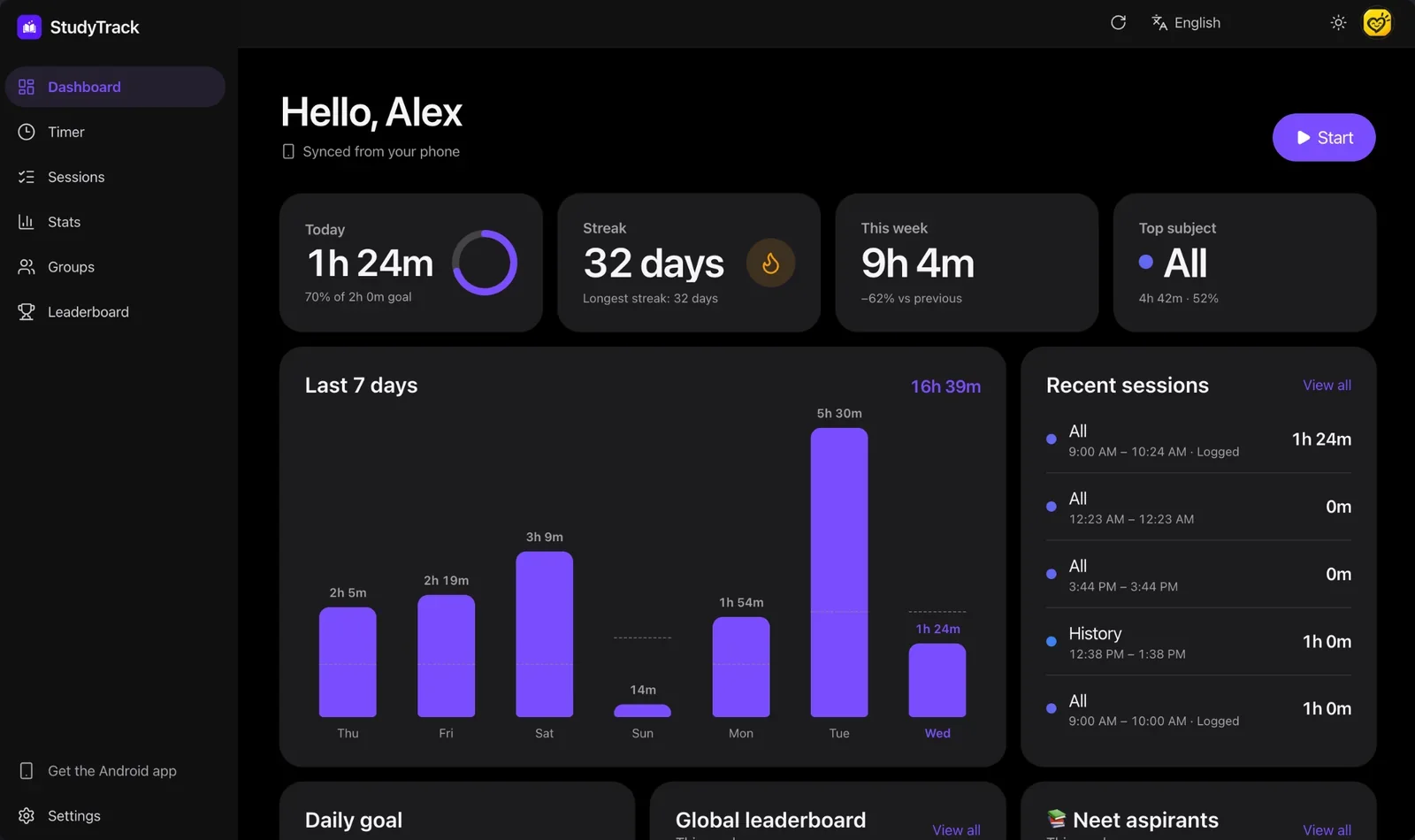
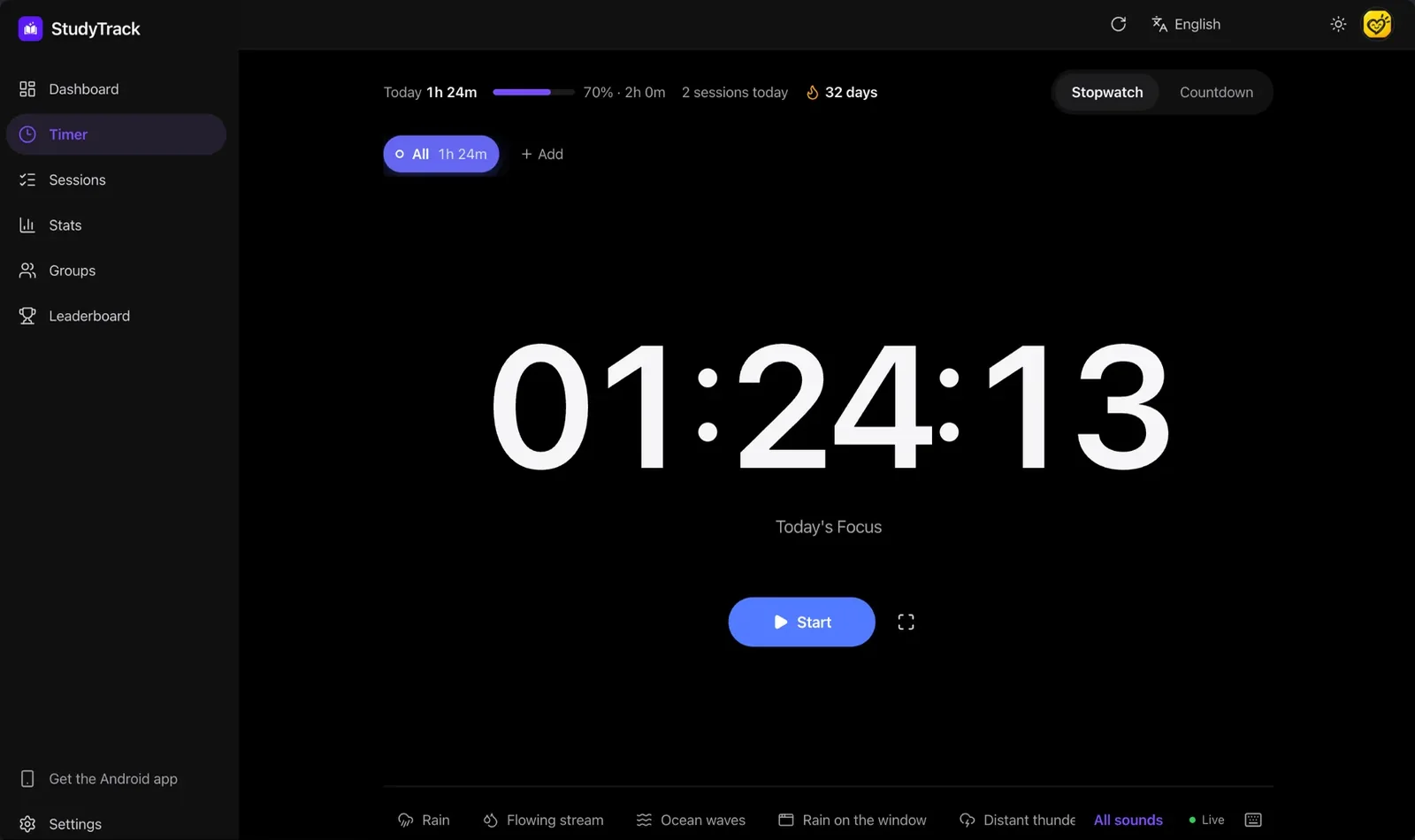
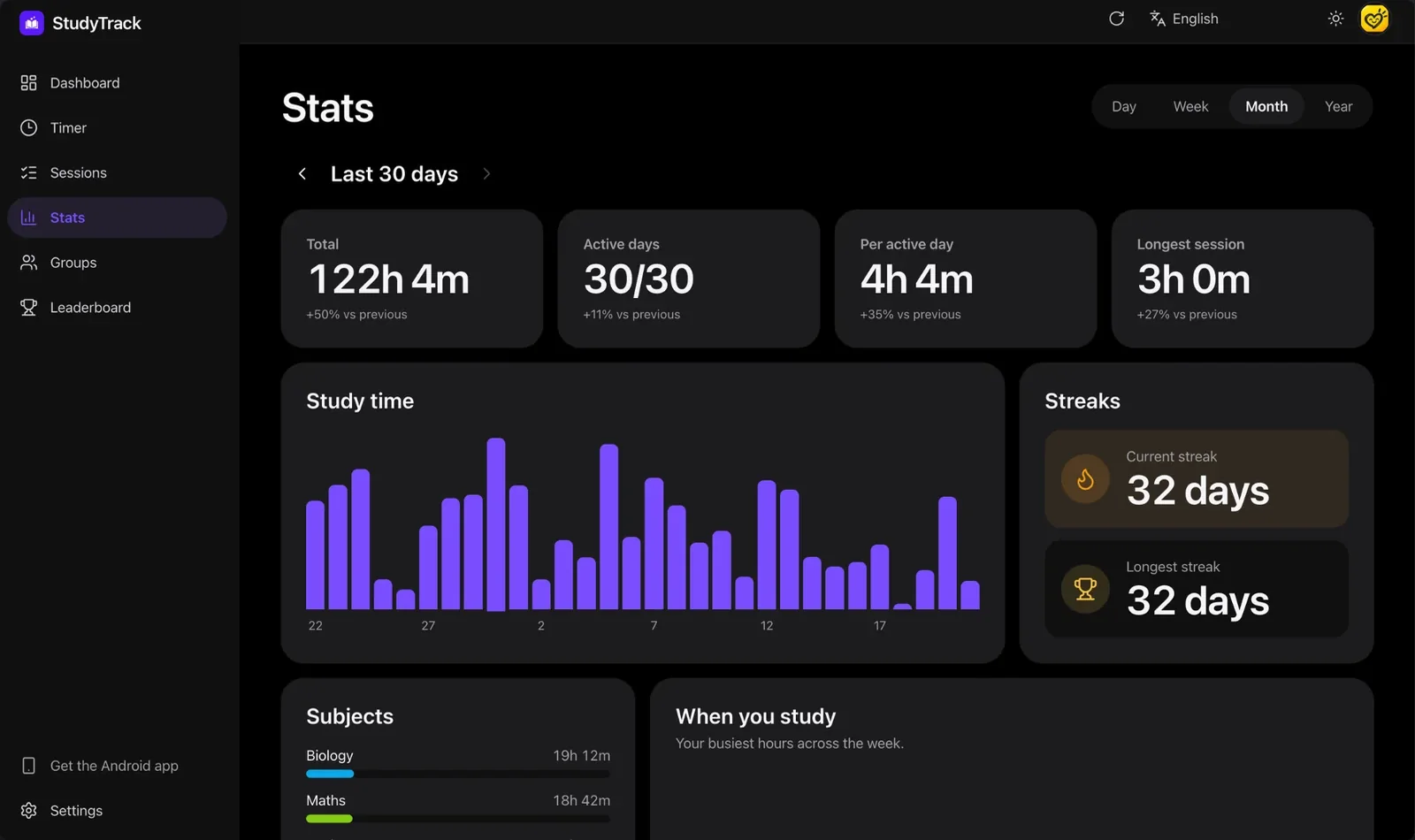
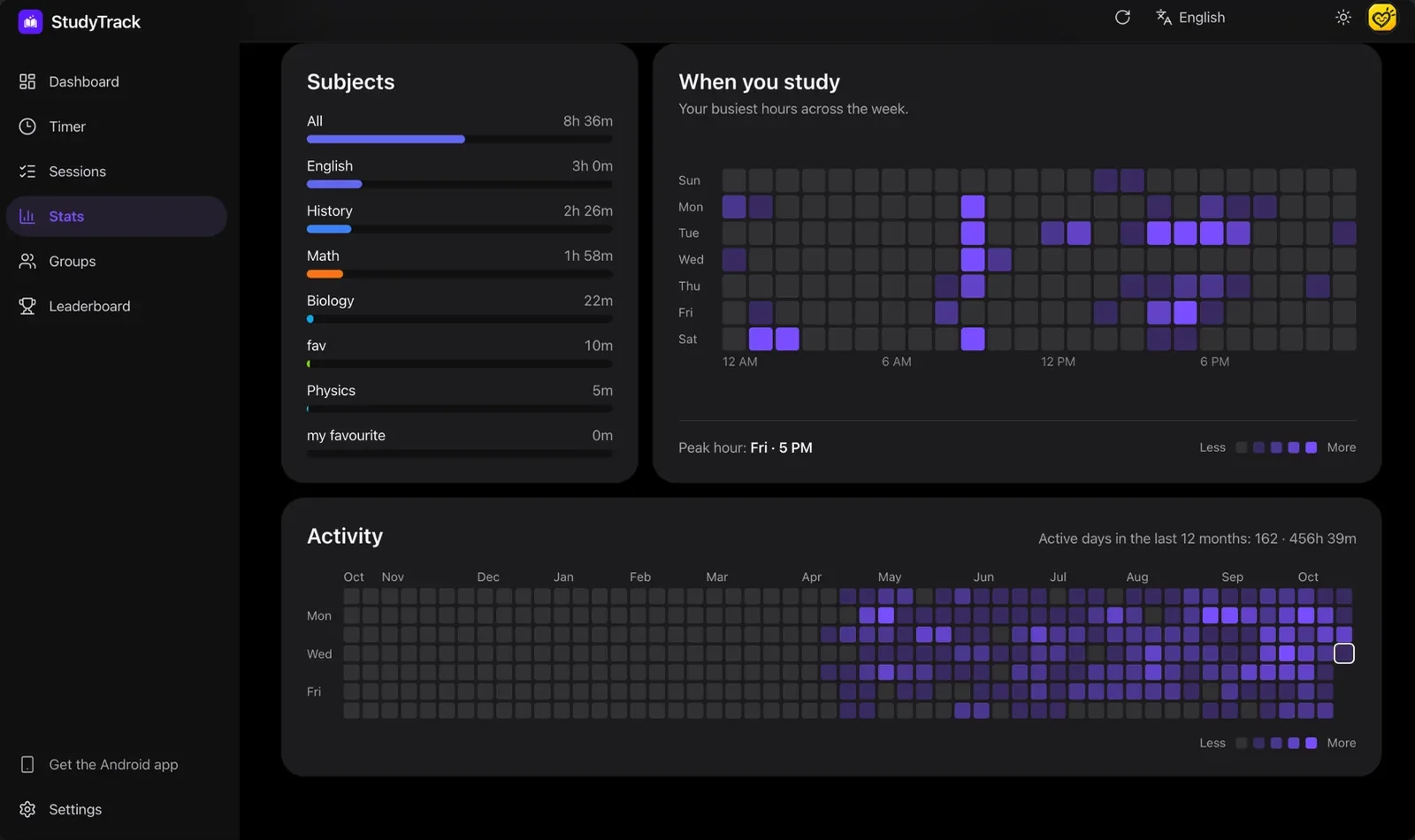
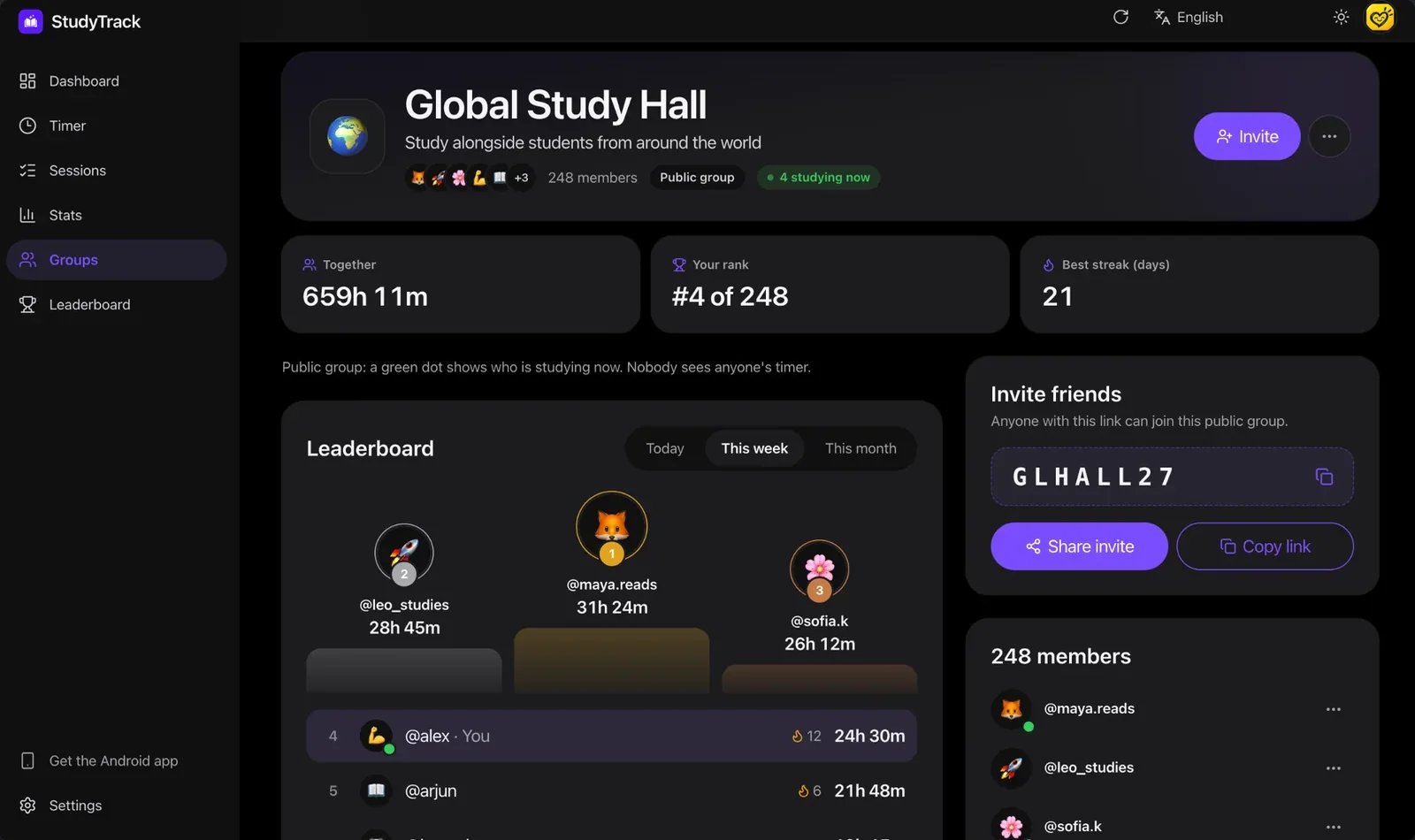
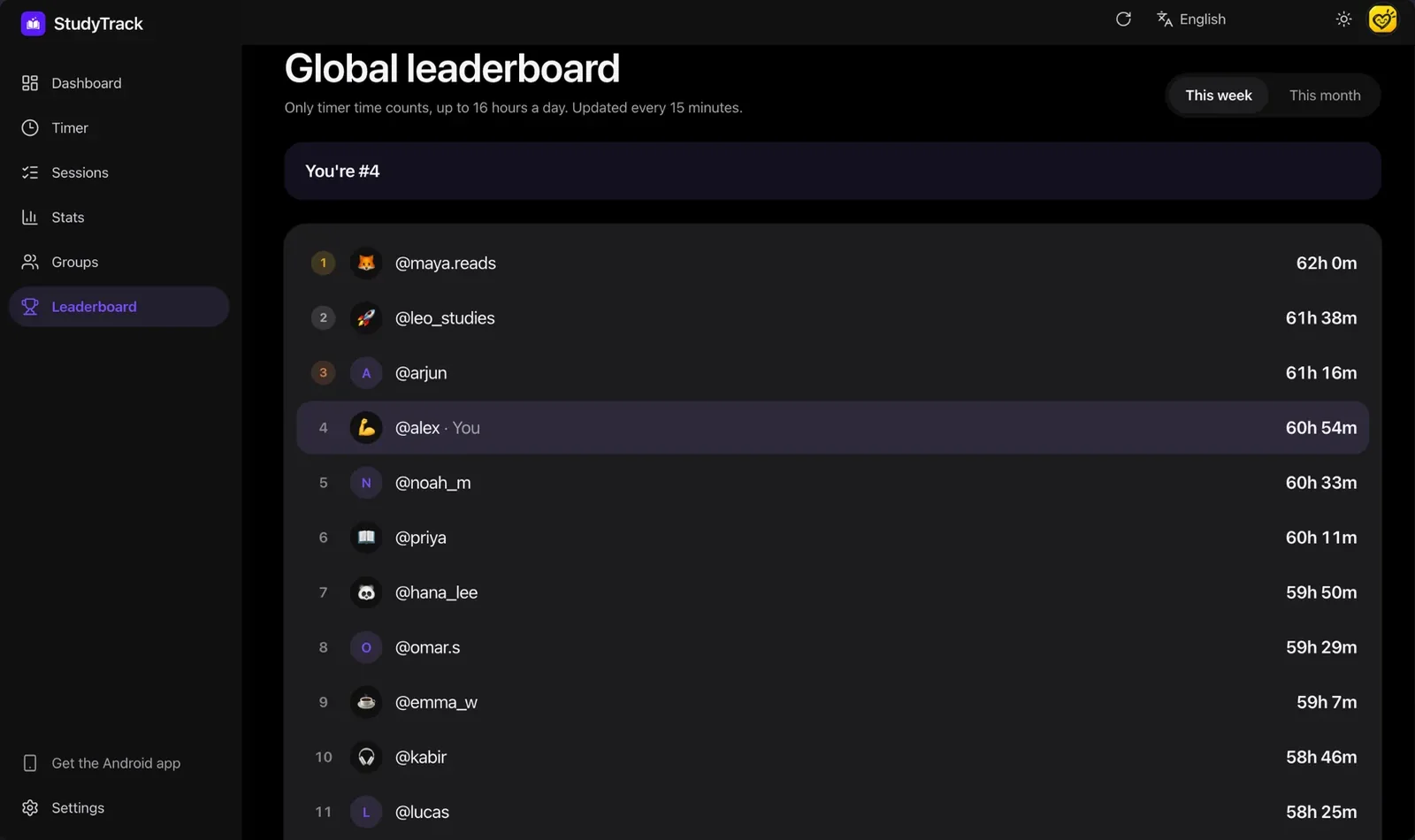
Today, your streak, this week and recent sessions at a glance.
One live timer
Start a session on your phone and stop it on your laptop, or the other way round.
Synced with your phone
Sessions, subjects and settings stay the same everywhere you sign in.
Groups & leaderboard
Study with friends and see who’s focusing right now, from any browser.
Your data, exportable
Edit or add past sessions, and download a backup any time.
Included with ★ Pro. Get Pro in the Android app, then sign in with the same Google or email account.
Focus timer
One tap. Then just focus.
Zero setup. Pick a subject, tap start, and StudyTrack keeps the time, the streak and the stats for you.
Pomodoro, countdown or open-ended
Run classic 25/5 cycles, any length from 1 minute to 8 hours, or just let the clock run.
Full-screen focus mode
Turn your phone sideways for a distraction-free clock. Your first 5 sessions are free.
A focus alarm you'll hear
A loud ring the moment your timer ends, even on the lock screen.
11 ring designs
Pulse is free. Liquid, Neon, Comet, Aurora and six more come with Pro.
Draw the timer your way.
Swipe the home-screen ring to switch between 11 designs, from Pulse (free) to Liquid, Neon, Comet and more with Pro.
PulseFree
Liquid★
Neon★
Comet★
18 clock faces for full-screen focus.
Flip, Odometer, Nixie, Neon, Retro, Terminal and more, all in your subject’s colour. Tap to pause and resume without leaving full screen.
Flip
Odometer
Minimal
Editorial
Outline
Bauhaus
Aurora
Levels
Analog
Dial
Orbit
Bloom
Binary
Matrix
Retro
Terminal
Nixie
Neon
Focus sounds
Sound that keeps you in the zone.
Rain, forest, a quiet library, brown noise, binaural beats. 23 calm sounds under your session. Tap to listen.
Plays with the screen off
Lock your phone and keep listening.
Follows your timer
Pauses and resumes when your session does.
Downloads once
Each sound downloads the first time, then plays offline for good.
Rain, Forest birds and Quiet library are free. ★ The other 20, from ocean waves to binaural beats, come with Pro.
App Blocker
Block the apps. They stay locked until your timer ends.
Open Instagram mid-session and StudyTrack sends you straight back. One less decision for your willpower.
Can’t see your screen
It only learns which app came to the front. No text, messages or passwords. Ever.
Silences them too
Optionally hold notifications from blocked apps until your session ends.
Off until you want it
Optional and off by default. You switch it on in Android’s settings.
Stays on your phone
What you open and what gets blocked is never sent anywhere.
Stats & heatmaps
See where your study time actually goes.
Every session is counted automatically: by day, by week, by subject and by hour. Goals, streaks and XP keep you coming back.
Weekly & monthly breakdowns
Daily totals, full session history and your best day.
This week
19h 25m
Time per subject
Know exactly how your hours split between subjects.
Most studied
Physics
- Physics6h 59m36%
- Maths5h 38m29%
- Chemistry4h 05m21%
- Biology2h 43m14%
Hourly focus heatmap
ProA weekday × hour punch card that finds the hours you actually focus.
Rolling trend
Five weeks at a glance. Is your effort going up?
5-week trend
+64%
Consistency map & streaks
ProEvery study day on one calendar, with your longest run. Plus a subject deep-dive and custom date ranges in the Advanced tab.
Streaks & daily goal
Set a target, watch the ring fill, and keep your streak alive. Missed a day? Repair it.
Level & XP
Earn XP for every session and level up as the hours add up.
AchievementsTop tiers
Badges at every milestone, from First Step to 100 Hour Legend.
Study Wrapped
Your month as a story: hours, top subject and longest streak, ready to share.
Home-screen widgets
Your study timer, right on your home screen.
Start a session and check your daily goal without opening the app. Four widgets are free; seven more come with Pro.
Study Timer
Compact Timer
Daily Goal
Daily Quote
Subject Share★
Today's Timeline★
Weekly Study★
Insights★
Monthly Heatmap★
Activity★
Monthly Totals★
Made for focus
Make it yours.
Light, Dark or true OLED Black, with an accent that carries through every ring, chart and button. Try it.
Private by default
Your study history is yours. Full stop.
StudyTrack works offline. If you don’t sign in, no StudyTrack server holds a copy of your study history.
Starts on your phone, no sign-up
Study data is stored on your device. Sign in, with Google or email, only for Pro sync, the web app or friend groups.
Sync you control
Signed in with Pro, your sessions sync through StudyTrack Cloud. Export a file any time, and delete your account and its cloud data whenever you like.
We never sell your data
Your study data is never sold or used for ads. Usage stats are anonymous and carry no study content.
Questions? Answers.
Is StudyTrack free?
Yes. The timer, streaks, daily goals, core stats, four widgets and three focus sounds are free, and you can join one friend group. StudyTrack Pro unlocks everything else, plus the web app and cloud sync. Pro is sold through Google Play, monthly, yearly or once for life.
Do I need an account?
No. Open the app and tap start. Your study data is stored on your device. You only sign in, with Google or email, to use Pro sync, the web app or friend groups. You can buy Pro without signing in.
How do I use StudyTrack on my laptop?
Get Pro in the app and sign in. Then open app.getstudytrack.com on your laptop and sign in with the same account. Your sessions, subjects and settings stay in sync, and a timer you start on your phone keeps running on your laptop, so you can stop it there.
What happens to my data if I change phones?
Export a backup file from the app and import it on your new phone. With Pro, sign in on the new phone and your synced data comes back from StudyTrack Cloud, or restore from the backup in your own Google Drive. If you don’t use Pro sync, we hold no copy of your data.
Is StudyTrack on iPhone?
The app is on Android through Google Play today. With Pro, you can use the web app in any browser, including on a Mac or iPad.
More help on the support page.
Start your first session today.
Free to download. One tap to start. Your future self will thank you.